Your ChatGPT conversations aren't private anymore. And that "helpful" AI sidebar extension you installed? It's been shipping every prompt and response to hackers every 30 minutes.
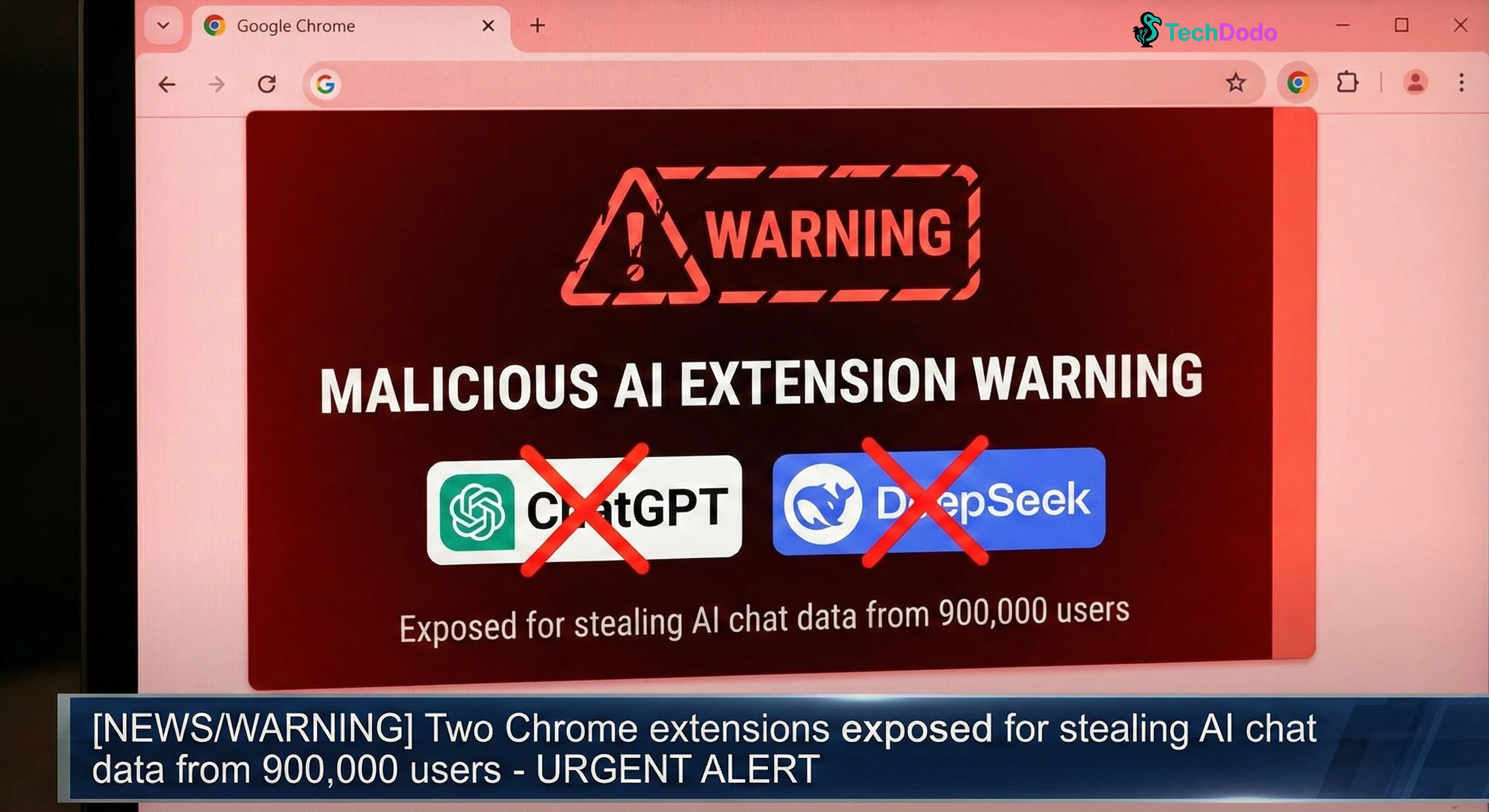
OX Security researchers just uncovered a malware campaign affecting 900,000 Chrome users. Two extensions, both pretending to be legitimate AI assistants, have been quietly siphoning complete ChatGPT and DeepSeek conversations alongside your entire browsing history. The kicker? One of them carried Google's "Featured" badge—the stamp that's supposed to signal quality and safety.
Quick Answer: Two Chrome extensions with 900,000 combined users are stealing ChatGPT and DeepSeek conversations. Remove "Chat GPT for Chrome with GPT-5..." and "AI Sidebar with Deepseek..." immediately. Check chrome://extensions for IDs: fnmihdojmnkclgjpcoonokmkhjpjechg and inhcgfpbfdjbjogdfjbclgolkmhnooop.
The Extensions You Need to Delete Right Now
Here's what we're dealing with:
Extension 1: "Chat GPT for Chrome with GPT-5, Claude Sonnet & DeepSeek AI"
- Users: 600,000+
- Extension ID: fnmihdojmnkclgjpcoonokmkhjpjechg
- Status: Had Google's "Featured" badge (since removed)
Extension 2: "AI Sidebar with Deepseek, ChatGPT, Claude, and more"
- Users: 300,000+
- Extension ID: inhcgfpbfdjbjogdfjbclgolkmhnooop
Both are still live on the Chrome Web Store as of 7th January 2026 IST. Yes, you read that right—still downloadable.
How the Attack Works: "Prompt Poaching" Explained
The attackers cloned a legitimate extension called AITOPIA, which adds an AI chat sidebar to any website. Same interface. Same functionality. But with one critical addition: hidden malware.
Here's the technical breakdown. Once installed, the extension requests permission to collect "anonymous, non-identifiable analytics." Sounds harmless, right? But what actually happens is far more sinister.
The malware generates a unique ID for your browser, then monitors every tab you open. The moment you visit chatgpt.com or deepseek.com, it scrapes your conversation directly from the page. Every prompt you type. Every response the AI generates. Session IDs. Timestamps. Everything.
This data gets cached locally, then batch-uploaded to command-and-control servers like deepaichats[.]com every 30 minutes. The attackers even built in persistence—uninstall one extension, and it opens a tab prompting you to install the other.
Security researchers have coined this attack pattern "Prompt Poaching," and it's becoming disturbingly common.
What Data Has Been Exposed?
The scope is alarming. According to OX Security's report, stolen information includes:
- Complete ChatGPT and DeepSeek conversation histories
- Proprietary source code shared with AI for debugging
- Business strategies and planning discussions
- Personal identifiable information disclosed in conversations
- All Chrome tab URLs and browsing history
- Session tokens and authentication data
- Internal corporate URLs revealing organizational structure
For Indian professionals using ChatGPT for work, this is particularly concerning. If you've shared code, discussed client projects, or brainstormed strategies with AI assistants, that data could now be on underground forums.
This Isn't Even the Worst Part
Here's what nobody's talking about: this campaign is part of a much larger problem.
Just weeks before OX Security's disclosure, Koi Security revealed that Urban VPN Proxy—a "privacy" extension with 8 million users—had been harvesting AI conversations since July 2025. It captured chats from ChatGPT, Claude, Gemini, Copilot, Perplexity, DeepSeek, Grok, and Meta AI.
The pattern is identical: legitimate-looking extension, broad permissions, silent data exfiltration. The company behind Urban VPN, BiScience, openly admits in its (buried) privacy policy that it sells this data to advertisers.
And now, even legitimate extensions are getting into the game. Secure Annex found that Similarweb and Sensor Tower's Stayfocusd—with 1 million and 600,000 users respectively—have added AI conversation monitoring capabilities. Similarweb's January 2026 update explicitly states it collects "AI Inputs and Outputs" including prompts, responses, and attached files.
How to Check If You're Affected
Step 1: Open Chrome and navigate to chrome://extensions
Step 2: Search for these extension IDs:
- fnmihdojmnkclgjpcoonokmkhjpjechg
- inhcgfpbfdjbjogdfjbclgolkmhnooop
Step 3: If found, click "Remove" immediately
Step 4: Review all installed extensions. Look for:
- "Read all website content" permissions
- Vague analytics collection claims
- Unknown developers
- Extensions you don't remember installing
Step 5: Clear browsing data (cookies, cached files, site data) to remove any tracking identifiers
Step 6: Change passwords for any accounts or services discussed in AI conversations
What Google's "Featured" Badge Actually Means (Spoiler: Not Much)
According to Google's documentation, Featured extensions "follow our technical best practices and meet a high standard of user experience and design." A human at Google supposedly reviews each extension before awarding the badge.
Yet "Chat GPT for Chrome with GPT-5, Claude Sonnet & DeepSeek AI" carried this badge while actively stealing user data. The badge has since been removed, but the extension remains available.
This fundamentally breaks the trust model. Indian users—especially those less technically savvy—rely on these signals to determine what's safe. If Featured badges mean nothing, what does?
OX Security reported both extensions to Google on 29th December 2025. Google acknowledged the report and said it was "under review." Eight days later, both extensions are still live.
Common Questions About Malicious AI Extensions
Can ChatGPT itself see my conversations?
Yes, OpenAI stores conversations for training and improvement unless you opt out in settings. But that's consensual data collection with a privacy policy you agreed to. These malicious extensions steal your data without consent and sell it to unknown third parties.
Are mobile ChatGPT apps affected?
Browser extensions only affect desktop Chrome and Edge browsers. Mobile apps use different architecture. However, if you use ChatGPT in a mobile browser with extensions enabled, you could be affected.
Should I stop using ChatGPT entirely?
No. Use the official website (chat.openai.com) or official apps. The risk comes from third-party extensions, not the AI platforms themselves. Be cautious about what sensitive information you share with any AI assistant.
How do I know if my data has been sold?
You likely won't know until it's too late—a targeted phishing email, corporate espionage, or identity theft. Assume exposure if you had these extensions installed.
The Real Lesson Here
Browser extensions are essentially small programs with god-level access to your browsing activity. We've collectively decided to trust them based on star ratings, download numbers, and badges that apparently mean nothing.
The attack surface is massive. Enterprise browser extension reports show 99% of organisations have employees using extensions, with 53% of those extensions having high-risk permissions.
For Indian professionals and businesses relying on AI tools for competitive advantage, this is a wake-up call. Your AI conversations are now high-value targets. The question isn't whether hackers will try to steal them—it's whether you'll make it easy for them.
Audit your extensions today. Remove anything unnecessary. And maybe think twice before installing that shiny new "AI assistant" that promises to make ChatGPT even better. The convenience isn't worth your privacy.
We'll update this article when Google confirms action on the reported extensions.
![ChatGPT vs Gemini vs Claude: Which AI Actually Wins in 2025? [Tested]](https://techdodo.in/storage/articles/chatgpt-vs-gemini-vs-claude-comparison-2025_1767105354_6953e34a08d8b_medium.webp)